Choose your show
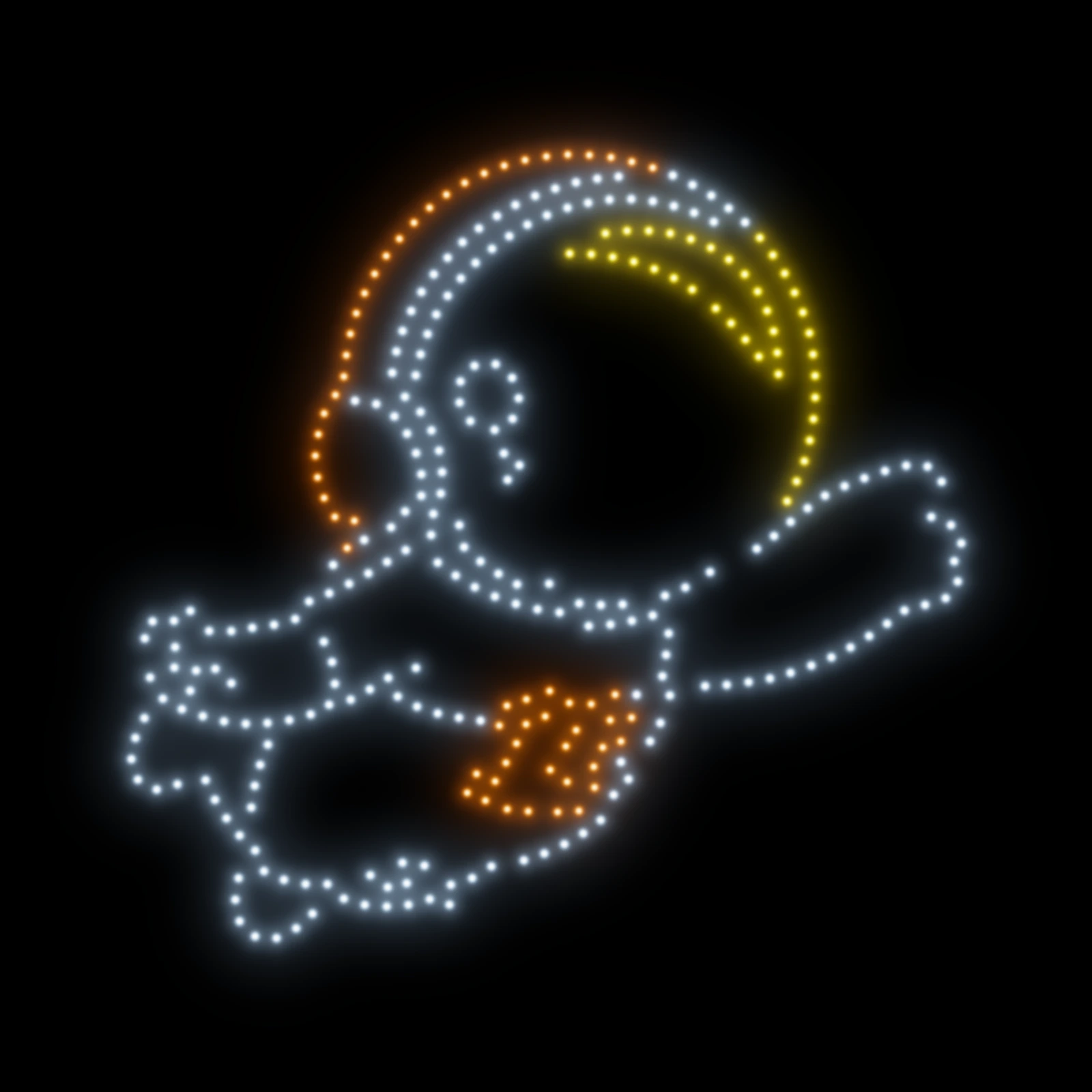
Pick a show from your library or upload a show file. Bring the performance you designed into Commander.
Starbound Commander
From the first upload to the final landing. Prepare your Spectra fleet, set your show parameters, and bring your design to life with Starbound Commander.
FROM LIBRARY TO LAUNCH
Choose the show, prepare the site, and get your drones ready. Commander brings the show-day workflow together.
Pick a show from your library or upload a show file. Bring the performance you designed into Commander.
Set up the geofence and show parameters, including the launch time. Prepare the show for its location.
Upload the show file to your drones. Get the fleet ready ahead of the performance.
Put the drones to sleep to save battery, wake them remotely, and launch the show when it’s time.
RTK POSITIONING
Connect your RTK base station and send corrections to your drones. RTK support enables centimeter-level positioning for the fleet as it performs your show.
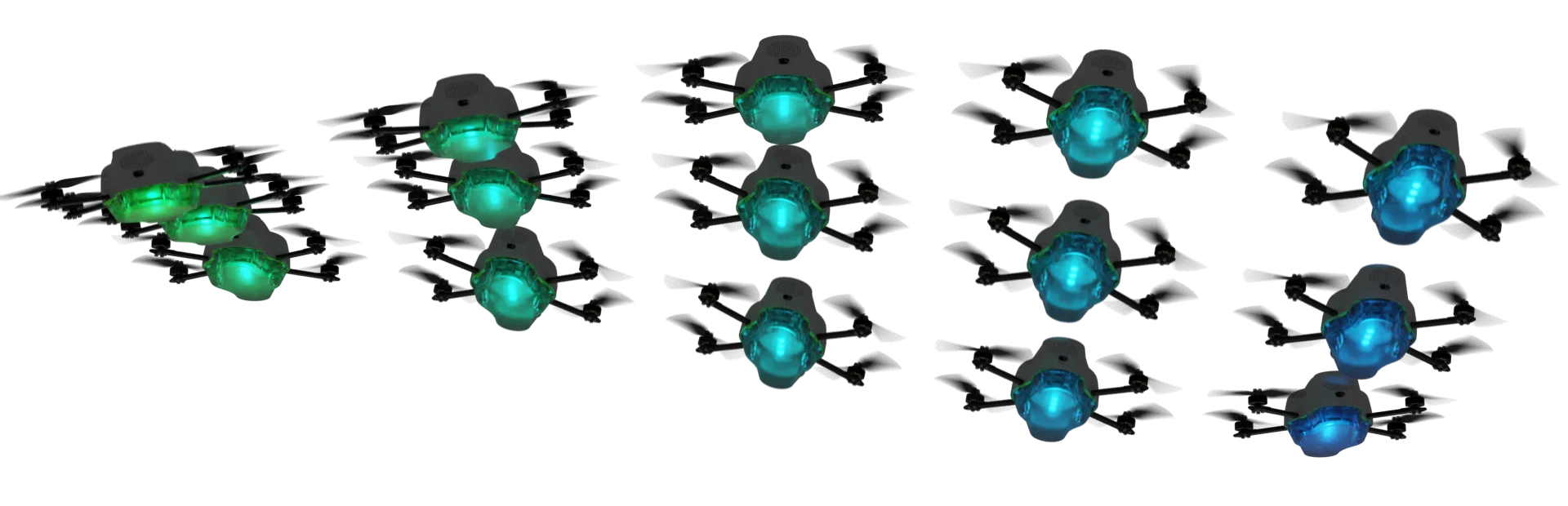
48 aircraft · Shared RTK corrections
CONNECTED BEYOND THE LAUNCH SITE
Use your main Wi-Fi setup for communication, with a radio as a backup method for reaching drones over miles. Keep another communication option available alongside your primary connection.
The main communication setup for preparing and operating your fleet.
A backup radio connection for communicating with drones over miles, alongside the Wi-Fi setup.
REMOTE POWER CONTROL
Upload your show and get everything ready. Then remotely turn the drones off to save battery while they wait. Wake the fleet and fly with the press of a button.
Sleep and wake controls let you prepare ahead of time and keep power management in the same place as show operations.
Try sleep and wake in the previewOn the ground · Show loaded
CONTROL WHEN IT COUNTS
Keep fleet-wide commands close at hand, with remote-control support when you need to take direct control of an individual drone.
If an issue arises, control the entire fleet from Commander. Return all drones to home or land the fleet from the same command center.
Explore the demo fleet controlsUse a remote control to take over an individual drone and fly it yourself. This also provides a useful capability for future camera editions.
Looking ahead: future camera editionsPART OF STARBOUND OS
Create your show in Starbound Designer. Perform it with Commander. Manage firmware and fleet records with Starbound Fleet Management. All three, plus all drone firmware, are included in Starbound OS.
INCLUDED WITH STARBOUND ONE
Every new Spectra drone comes with a year of Starbound One, including Starbound OS, firmware, repair and replacement support, and help with your drones and software.
Standard price: $99 per drone, per year.
Bring your next performance to the sky.